
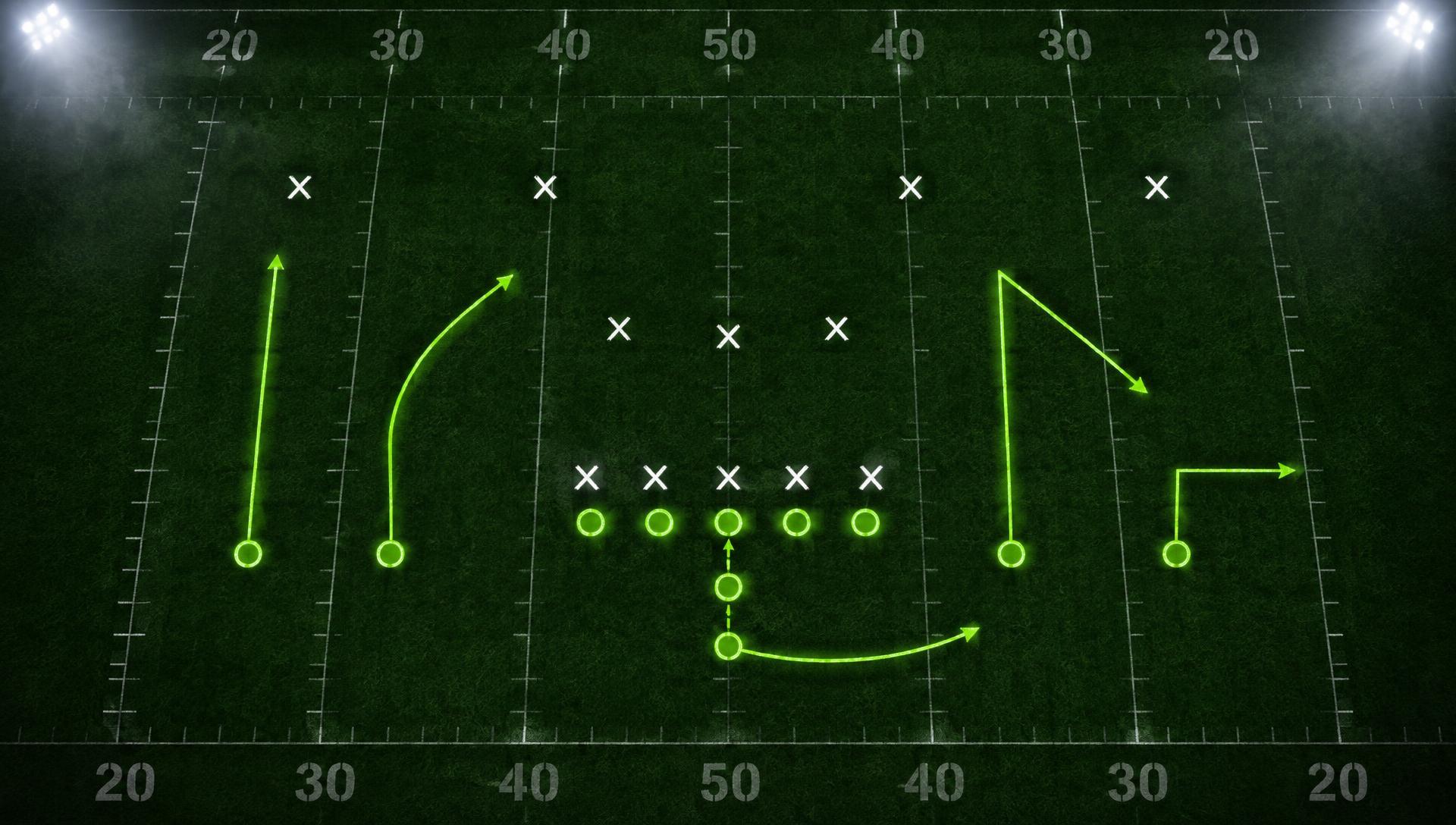
Built for flag and tackle football
Bring your playbook to life.
PlayLook turns coaches into teachers. Your plays become animated reps your whole team understands — from 6v6 flag to 11-man tackle, tested against real coverages before game day.
See PlayLook in action
Whether you coach Saturday flag or Friday-night tackle, here's how your plays come to life.
Your whole week, at a glance.
The Coach's Command Center puts the next game, install progress, game-day weather, who's out, and what to work on in one dashboard — then flips to off-season mode for player development and playbook planning. Built for flag and tackle.
Your coaching dashboard. In season it centers on this week: the next opponent, install and game-sheet progress, open tasks, who's out, and game-day weather with a wet-weather package when rain is coming.

Scroll inside the window to see the full dashboard. Sample team and data.
One play. Two defenses. Side by side.
Run the same play against two coverages at once and see exactly where the answer changes — the corner route beats Cover 2, but Cover 3 sits on it and the hitch comes open underneath. That's how you teach a read, not just a play.
Plan the week. Send the install.
Gameplan installs map every practice to what you'll call on game day — plays, drills, and film, organized by day. Send it to your players or print it for your staff. Click through a sample week:
Watch a week's install come together — drills, plays, and film — then go straight to your players' inbox and the printer.
Week 5 Install — vs. Wildcats
Flag 6v6 · 4 practices · 9 plays, 6 drills, 2 film sessions
Install day — new concepts in
- 10 minDRILL
Dynamic warm-up
From the drills library
- 20 minPLAY
Trips Right — Flood
New install, walk through then air reps
- 15 minDRILL
Route running — breaks
Speed cuts at the top of the route
- 15 minFILM
Cover 2 recognition
Last week's film, drawn over
Built for flag. Built for tackle.
PlayLook isn't a flag tool with tackle tacked on — it's one platform that understands both games, so everything you build works the way your format plays.
Flag football
5v5, 6v6, and 7v7 formats with flag rules built into the play builder — no designed QB runs sneaking onto your sheets, blitz counts handled, and a drill library that covers flag pulling, throwing, and route work.
See the flag side
Tackle football
11-man football with blocking schemes, coverage teaching for the full field, tackling progression drills, and season management built for a long varsity calendar.
See the tackle side
Everything between the whiteboard and the whistle
One platform for drawing, teaching, and calling your offense — and coaching the defense too.
Draw plays in seconds
Drag players onto the field, click to add waypoints, and sketch routes, blocks, and run paths with tools that know flag and tackle rules.
Animate every rep
Press play and watch the play unfold — so your players see where they should be before they ever line up.
Test it against real coverages
Set a defensive shell, then move defenders to where they really end up. The shift animates between them, showing exactly how each coverage picks up your receivers.
Gameplans and drills
Plan each week and the whole season, build your install from a drill library for flag and tackle, then send it to your players or print it for your staff.
Telestrate your film
Upload game film, tag it, and draw and talk over the footage. Send the breakdown straight to your players' inbox.
Run your whole program
Rosters, teams, seasons, and game sheets — everything around the playbook lives in one place, from 6v6 flag to varsity tackle.
Sweat the details. Teach the game.
PlayLook sweats every detail of teaching players how to play at a high level and prepare each week — whether you coach 6v6 flag or 11-man tackle. Open it, drop your players on the field, and have your first animated play before practice starts.
Open PlayLook